Skip to content
PINYANG MACHINERY

Production line configuration

USB & Data Cable Production Line

Coordinate fine-conductor preparation, core insulation, pair twisting, assembly and jacket extrusion for your specific data-cable drawing.

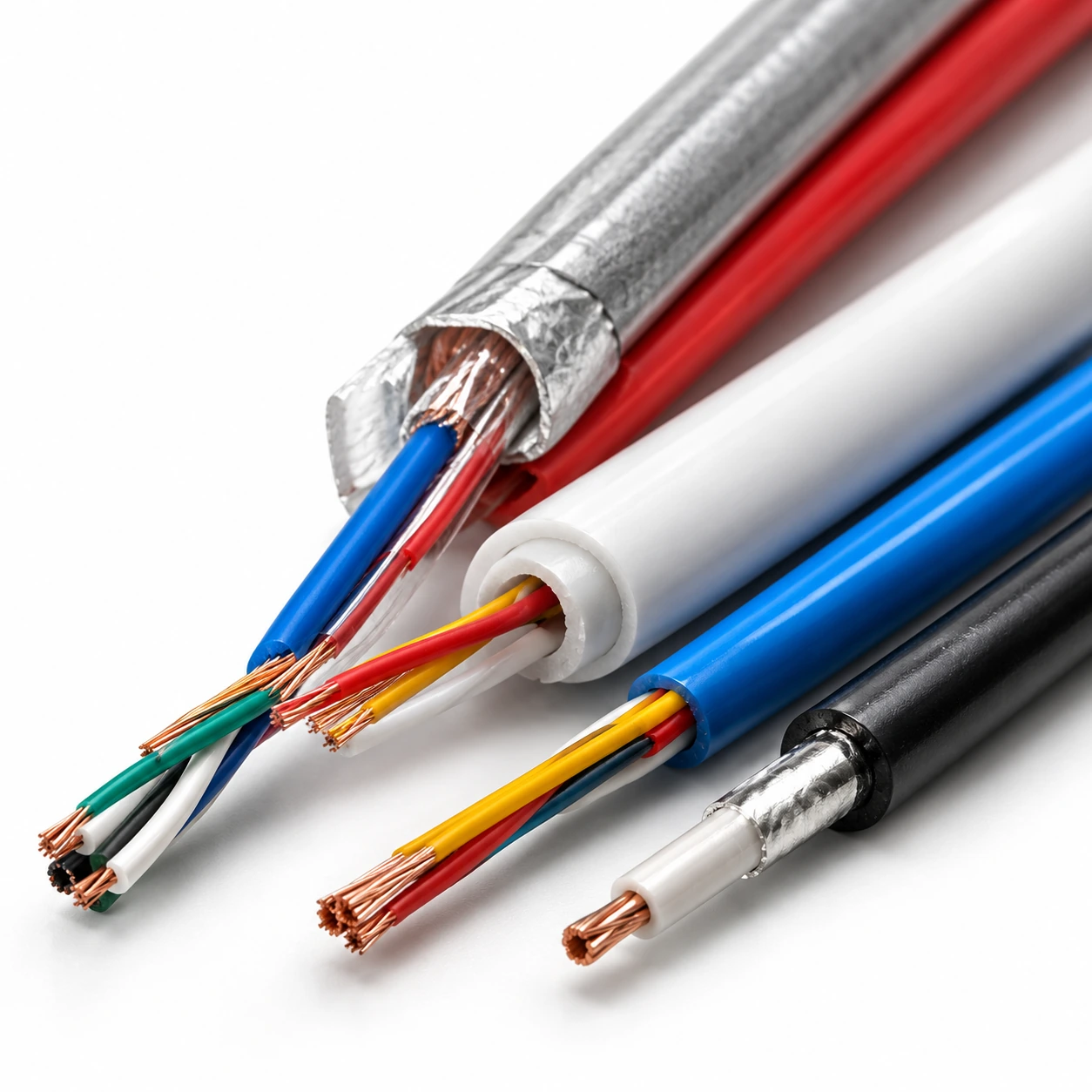
USB and data cable illustration showing exposed cores and shielding
USB & Data CableApplication illustration

Define the cable you want to produce

Conductor size, core and pair layout, shielding, jacket material, finished diameter and output requirements.

Fine conductor → insulation → pairs & assembly → shielding interfaces → jacket

Indicative process route; confirm against your cable drawing.

Selection priority

Fine-wire handling and cable construction

Choose where your production begins

Plan the cable body from its drawing, then identify connector, electronics and assembly work separately. Buying semi-finished cores can change the starting point without removing the need for incoming-material checks.

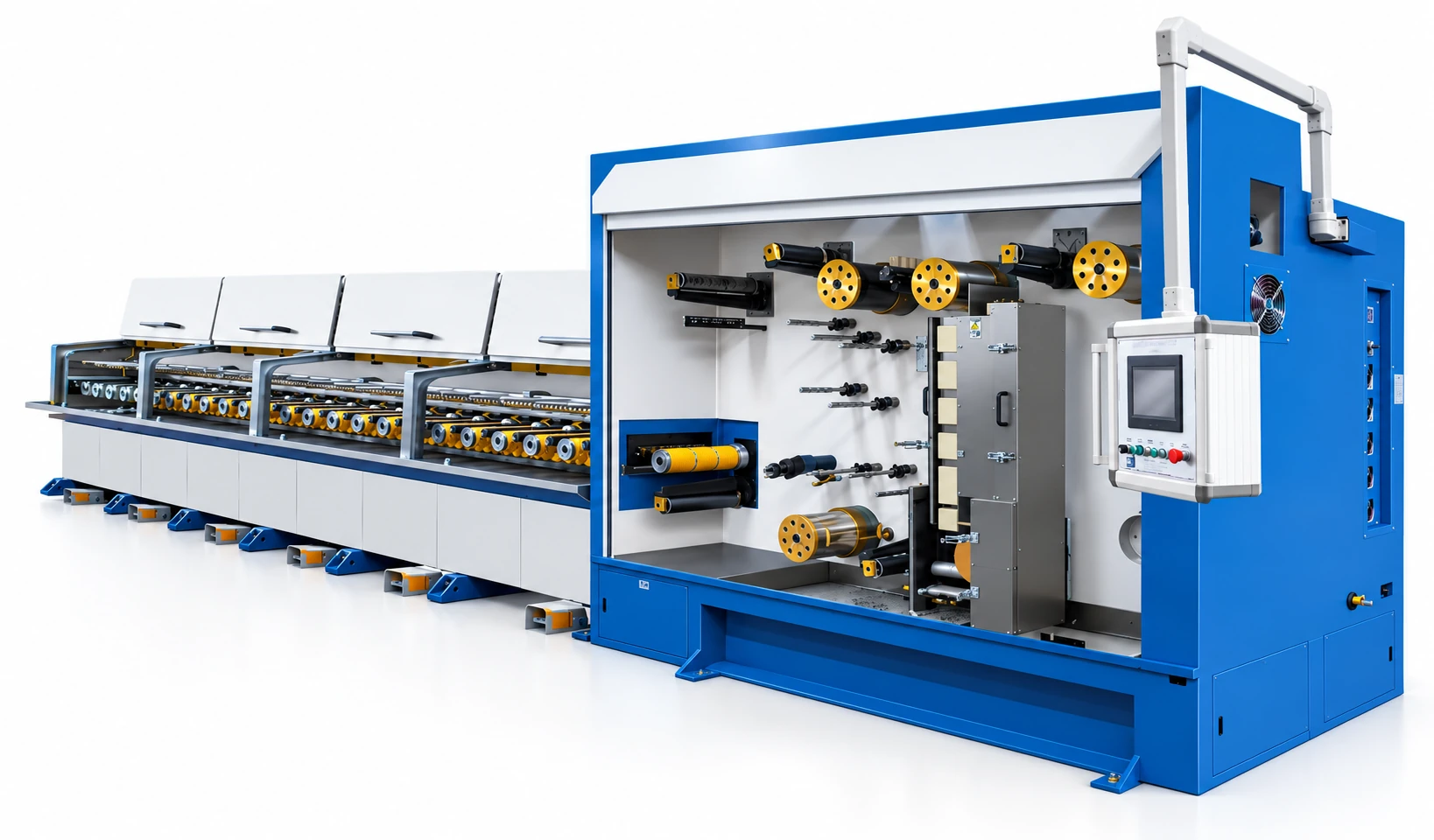
3D visualization: In-line multi-wire drawing machine with online annealer
Catalogue multi-wire drawing with online annealingUpstream review context; drawing can be omitted if purchased wire already meets the specification.
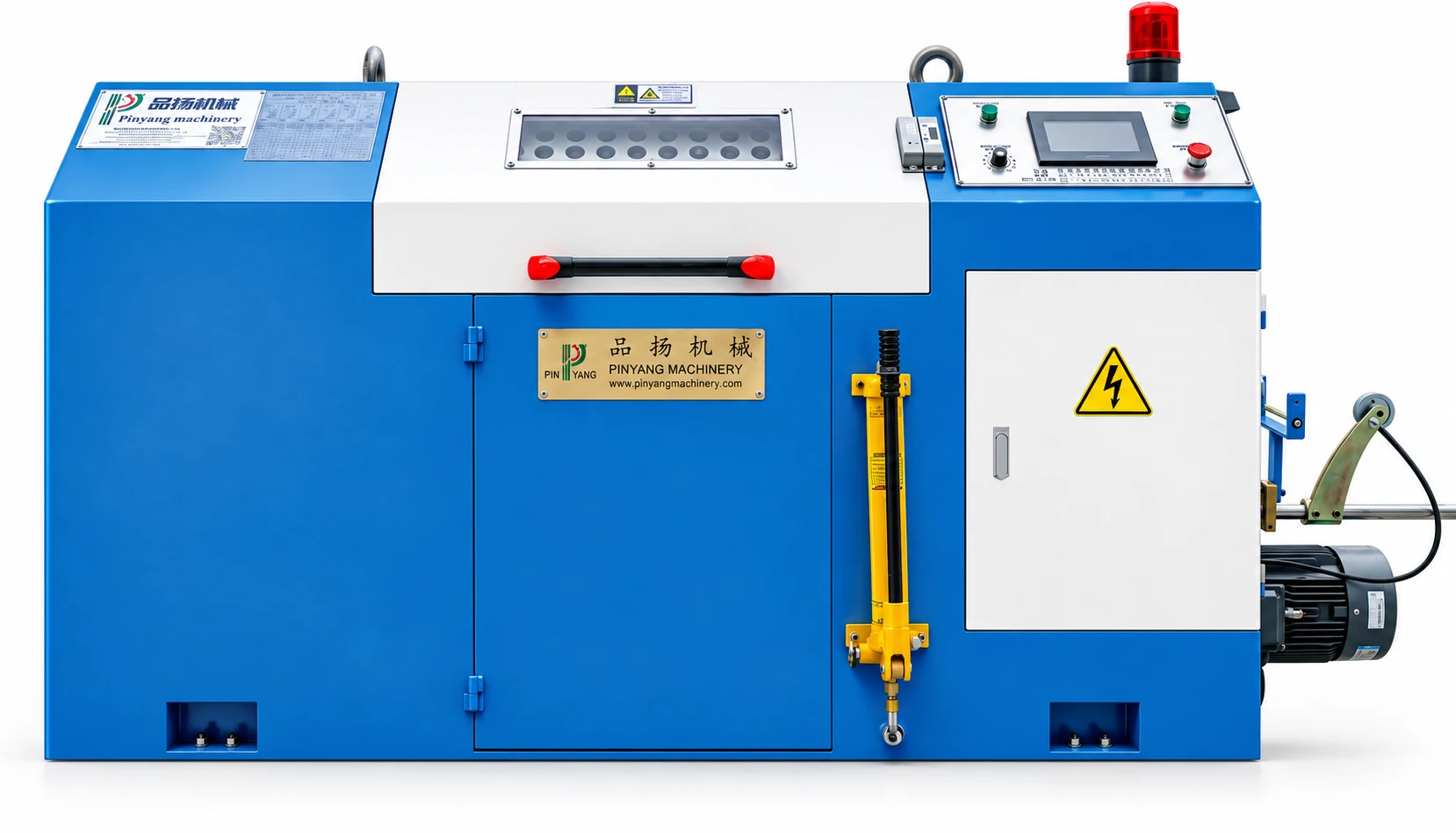
3D visualization: Pair-twisting equipment shown in the PINYANG catalogue
Catalogue pair-twisting equipmentPair formation is reviewed for purchased cores; suitable finished pairs can bypass this operation.
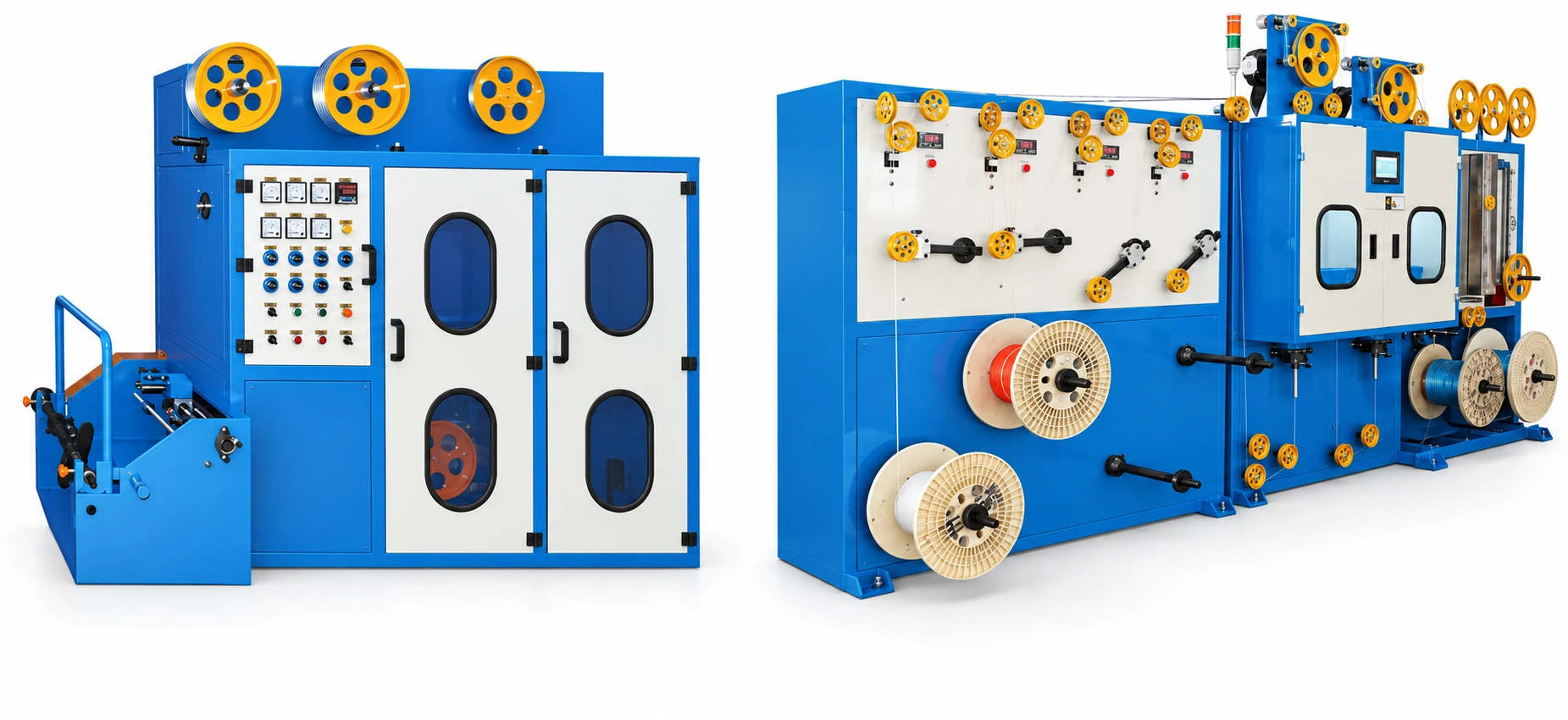
3D visualization: Single- and double-layer cable taping equipment
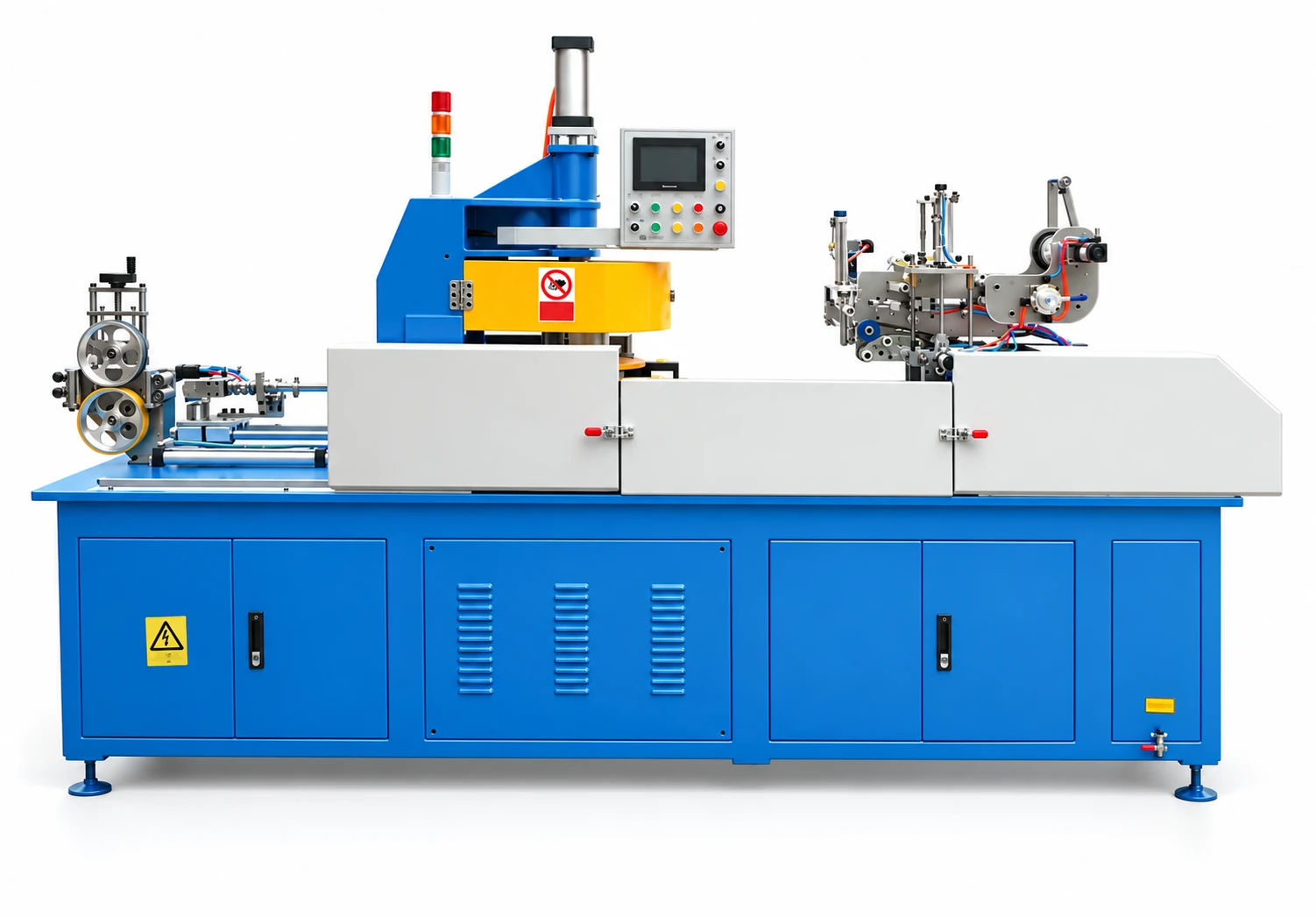
Catalogue single / double-layer taping equipmentA remaining tape-stage example; only shields required by the received assembly are added.
Compare the equipment boundary

Start with specified fine conductor wire

  1. Prepare cores
  2. Twist & assemble
  3. Specified shields
  4. Jacket

Review conductor formation where required, insulation, pair formation, core assembly, shields and jacket.

Supply boundary & incoming-material checks
Outside or separately confirmed
Drawing may be excluded when the purchased wire already meets the specification.
Check the incoming material
Solid or stranded construction, fine-wire dimensions, condition, supply reels and handling needs.
Compare the equipment boundary

Buy insulated cores or ready-made pairs

  1. Review cores / pairs
  2. Twist pairs if needed
  3. Assemble
  4. Specified shields
  5. Jacket

Pair twisting as required → assembly with the specified additional cores → shield interfaces → jacket.

Supply boundary & incoming-material checks
Outside or separately confirmed
Drawing and core insulation can be excluded; purchased pairs may also exclude pair twisting.
Check the incoming material
Identify the cores and pairs individually, with dimensions, pair lay, reel format and incoming acceptance.
Compare the equipment boundary

Buy the assembled cable core

  1. Review assembled core
  2. Remaining shields
  3. Jacket
  4. Finish

Apply only the remaining specified shields and jacket, then inspect and package the bulk cable.

Supply boundary & incoming-material checks
Outside or separately confirmed
Upstream core preparation and assembly remain outside this equipment order.
Check the incoming material
Assembly dimensions, existing shield layers, tension limits, jacket material and the condition of the received reels.

This defines a discussion scope. The final equipment list follows the cable drawing and technical review.

Explore the production route

Select a stage to see its role, equipment and the interface to confirm.

3D visualization: In-line multi-wire drawing machine with online annealer
Multi-wire drawing with online annealing
USB & Data Cable

Conductor preparation

Prepare the conductor dimensions and condition needed by the next operation.

Input
Specified rod or incoming wire
Output
Fine wire for the specified conductor construction

Confirm the interfaceMaterial compatibility, incoming and finished diameter, annealing needs and supply reels.

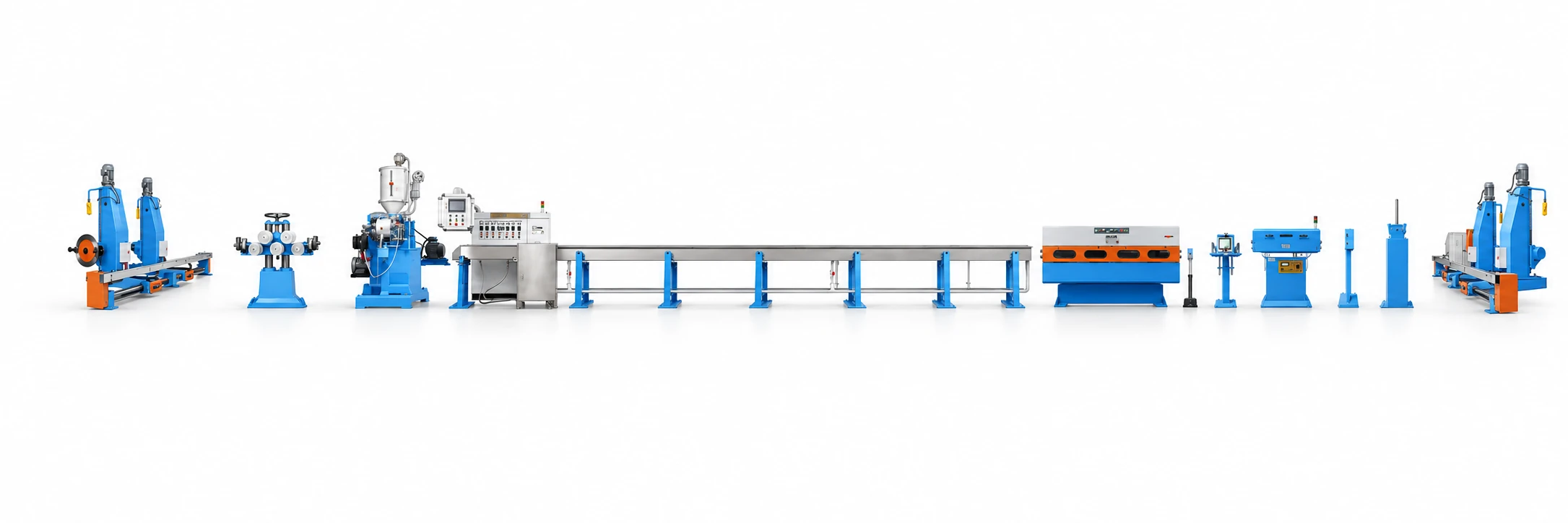
3D visualization: Ultra-fine fluoropolymer wire extrusion line
Ultra-fine fluoropolymer extrusion example
USB & Data Cable

Insulation extrusion

Apply the specified insulation around each conductor. Material and cable geometry determine the configuration.

Input
Prepared conductor
Output
Insulated core

Confirm the interfaceCompound grade, wall thickness, finished diameter, cooling and in-line inspection.

3D visualization: Pair-twisting equipment shown in the PINYANG catalogue
Pair-twisting equipment
USB & Data Cable

Pair twisting

Twist insulated cores into the pairs required by the cable drawing. This precedes final pair and core assembly.

Input
Individual insulated cores
Output
Twisted pairs

Confirm the interfaceCore diameter, pair lay, back-twist requirements and the reels used by the cabling stage.

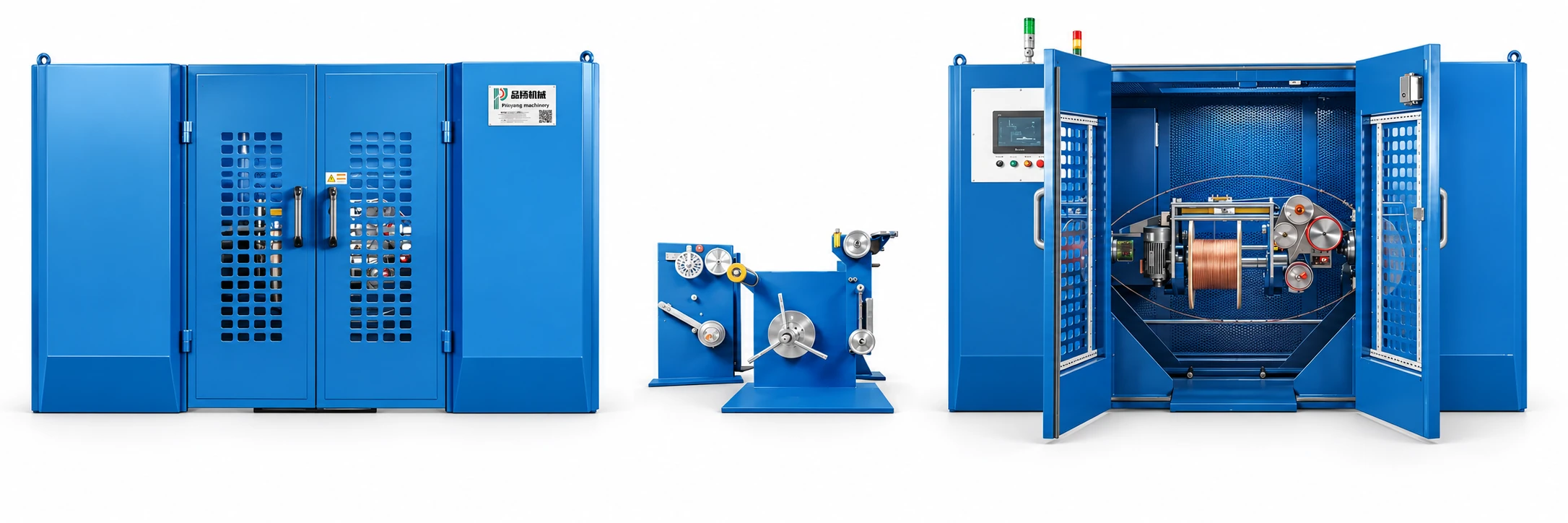
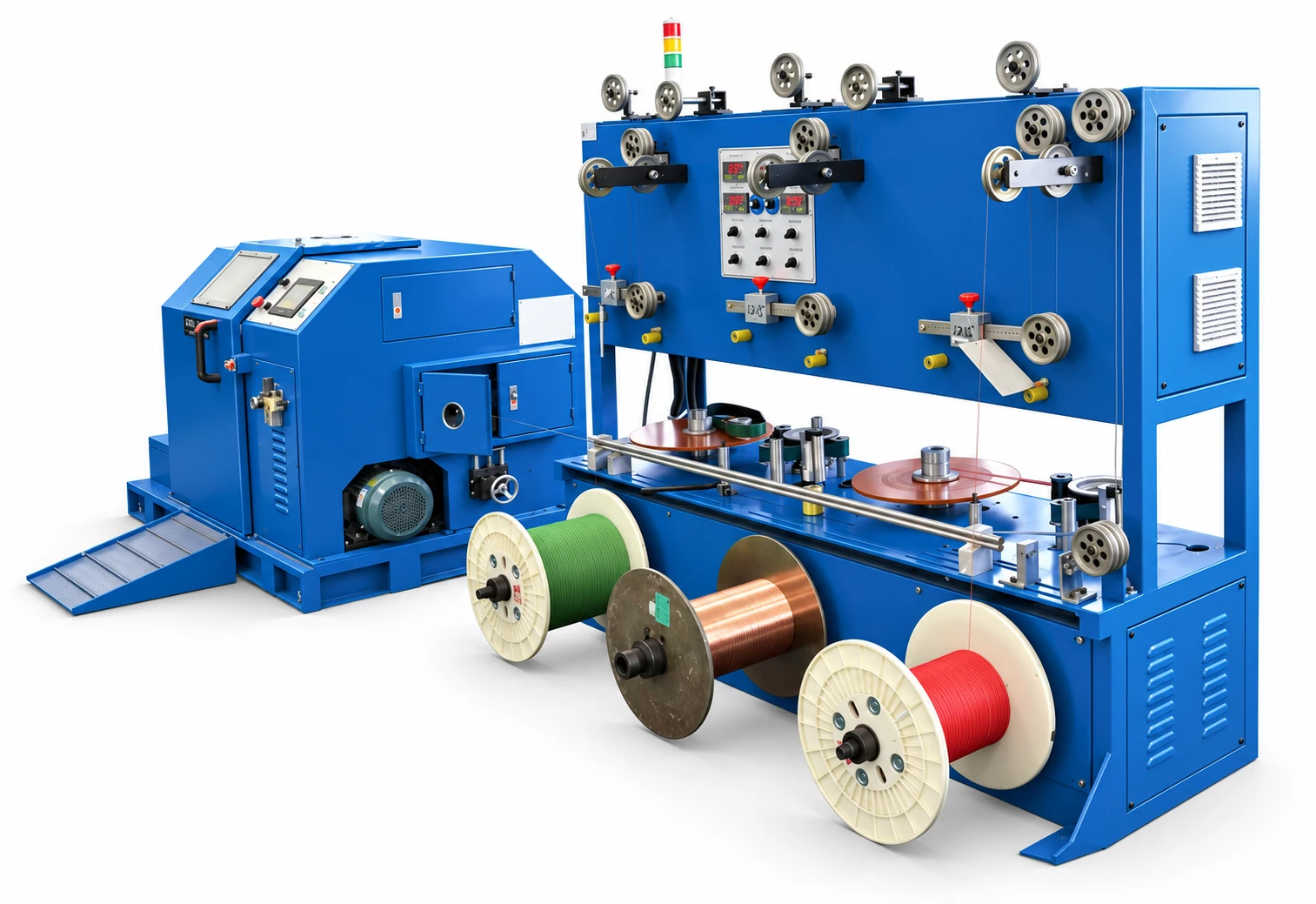
3D visualization: Cantilever single-twisting machine with material-handling stands
Cantilever single-twisting machine
USB & Data Cable

Core assembly

Assemble the cores or pairs specified on the cable drawing, with the required lay and handling arrangement.

Input
Insulated cores or twisted pairs
Output
Assembled cable core

Confirm the interfaceCore or pair count, lay, fillers, tape requirements and take-up format.

3D visualization: Single- and double-layer cable taping equipment
Single / double-layer taping equipment
USB & Data Cable

Shielding interfaces

Locate the tape, foil or braid operations required by the specified cable construction.

Input
Prepared core or dielectric
Output
Core with specified shield layers

Confirm the interfaceConfirm each layer and its supply responsibility. The photograph shows taping equipment, not a complete braiding package.

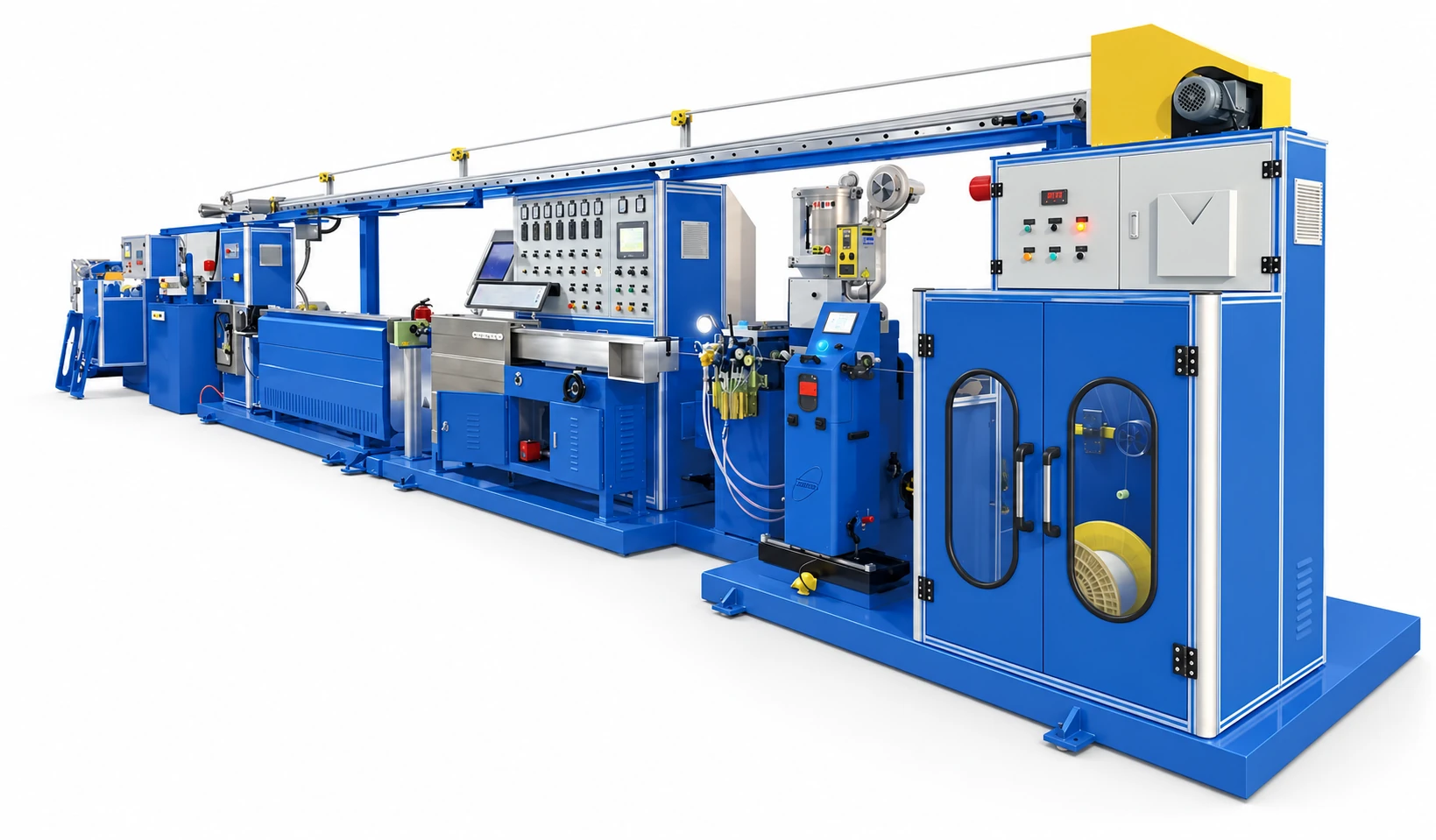
3D visualization: Power-cable extrusion line shown in the PINYANG catalogue
Power-cable extrusion example
USB & Data Cable

Sheathing & finishing

Apply the outer layer and plan inspection, take-up and the final reel or coil.

Input
Assembled cable core
Output
Sheathed cable in the agreed package

Confirm the interfaceJacket compound, finished dimensions, take-up reels and any separate final testing.

Compare the construction choices

A different cable structure can change machines, tooling and supply responsibilities. Compare these choices before agreeing the equipment list.

3D visualization: Cantilever single-twisting machine with material-handling stands
Catalogue compact cantilever single-twisting equipmentCore-assembly example; pair formation and any additional operations are reviewed separately.
3D visualization: Single- and double-layer cable taping equipment
Catalogue single / double-layer taping equipmentTape-stage example; drain-wire devices and separate braiding require explicit confirmation.
USB and data cable illustration showing exposed cores and shielding
Data cable construction — application illustrationCable-body review only; connector fitting, electronics and assembly equipment are not shown.

Power cores, signal pairs and extra elements

Different constructions change the number and handling of pay-offs and the pair-twisting or assembly duty.

What changes

A connector name does not reveal the cable structure; some cables need different core sizes and additional elements.

Confirm before selection

Provide a cross-section identifying each core, pair, filler, drain wire and any other element.
Foil, braid and drain-wire arrangements

Position shielding and tape devices around the specified pair and overall assembly stages.

What changes

Some shields are applied before final assembly and others afterwards; a single taping stage may not cover the design.

Confirm before selection

Confirm layer order, overlap or coverage requirements and separate braiding supply.

Bulk cable or a finished cord assembly

This equipment range addresses conductor preparation, insulation, assembly, shielding interfaces and jacketing.

What changes

Connector fitting, electronic parts and completed-assembly tests introduce a separate manufacturing scope.

Confirm before selection

State whether the deliverable is a reel of cable, cut cable or a fully terminated product.

Explore the equipment for this cable

Open an equipment family to compare machine types and reference specifications.

Agree the output, site and acceptance basis

A connected line needs a common specification at every handover. Use these points to test whether the proposed scope is complete.

Production target

Balance different core streams

Calculate demand for each core size and pair from the finished construction.

Review the planning details

Include individual insulation colors, pair changes, assembly reels and shield processes when comparing the proposed working output.

Factory interfaces

Fine-material handling

Review the reel path and tension requirements for the smallest conductors and insulated cores.

Review the planning details

Separate fine-wire handling from heavier take-up and keep enough intermediate storage for matching sets of cores and pairs.

Acceptance plan

Trial and acceptance

Agree the specific cable drawing and materials, then define checks for core dimensions, pair and shield construction and the finished cable.

Review the planning details

Cable-body trials do not replace connector, electronic or completed-assembly verification.

Put responsibilities in writing

Identify who provides trial materials, utilities, reels, testing and any external process. Agree how results will be recorded and what must be resolved before acceptance.

Compare investment on the same scope

A useful budget separates the machines from plant preparation, external processing and start-up requirements. No standard package price can replace a defined cable specification.

Configuration and purchasing choices that change the budget
DecisionWhat enters the scopeHow to compare
Core and assembly varietyFine-wire preparation, insulation tooling, pay-off count and pair or core assembly configuration.Compare a named cable drawing rather than a generic “USB line.”
Shielding and finished scopeFoil, drain-wire and braid interfaces, jacket configuration and bulk-cable packaging.Price connector assembly, electronics and completed-product testing separately if they are required.
Phased purchasePurchased insulated cores or assembled cores can reduce the initial upstream machine scope.Keep incoming acceptance and supplier consistency visible; reserve interfaces for later in-house core production.
3D visualization: Cantilever single-twisting machine with material-handling stands
Catalogue cantilever single-twisting equipment

Use the catalogue as a starting point

The catalogue includes compact cantilever single-twisting configurations for data-cable core assemblies, with stated core and assembly limits.

Use the actual drawing to check the limits; the equipment does not establish connector compatibility or completed USB assembly performance.

Prepare your line-planning requirements

Exact cable drawing

Different core and pair layouts require different assembly arrangements.

Conductor handling

Fine-wire supply, tension and reel format should be reviewed together.

Shielding structure

Specify each shielding layer and its place in the assembly sequence.

Cable versus finished assembly

Connector fitting and final assembly are separate scopes to confirm.

Application questions

Does this include USB connector assembly?

This page covers cable manufacturing equipment. Connector termination and finished assembly equipment are separate project requirements that should be identified explicitly.

Can different data-cable constructions be considered?

Yes. Provide the specific drawings and product mix so that the equipment range and changeovers can be reviewed.

Where should a new project begin?

Start with the finished cable structure, conductor dimensions, materials and target production range.

Is USB-C a complete specification for choosing machines?

No. It identifies a connection format, while machine selection needs the cable drawing, conductor sizes, pair structure, shielding and jacket. Connector fitting and any electronic parts also need their own project scope.

Can the same assembly machine cover several data-cable designs?

Review each construction against core size, number of elements, assembly diameter, lay, tension and reel limits. Shared equipment may require tooling or setup changes; a reference model is not a guarantee for every cable with the same commercial name.

Your Project Brief

Share the cable you want to make and the scope of your project.

Company & project details (optional)

Prepare and download a project brief locally. No inquiry is sent.

Your Project Brief

Review your details before downloading.

Prepared locally. Not sent.